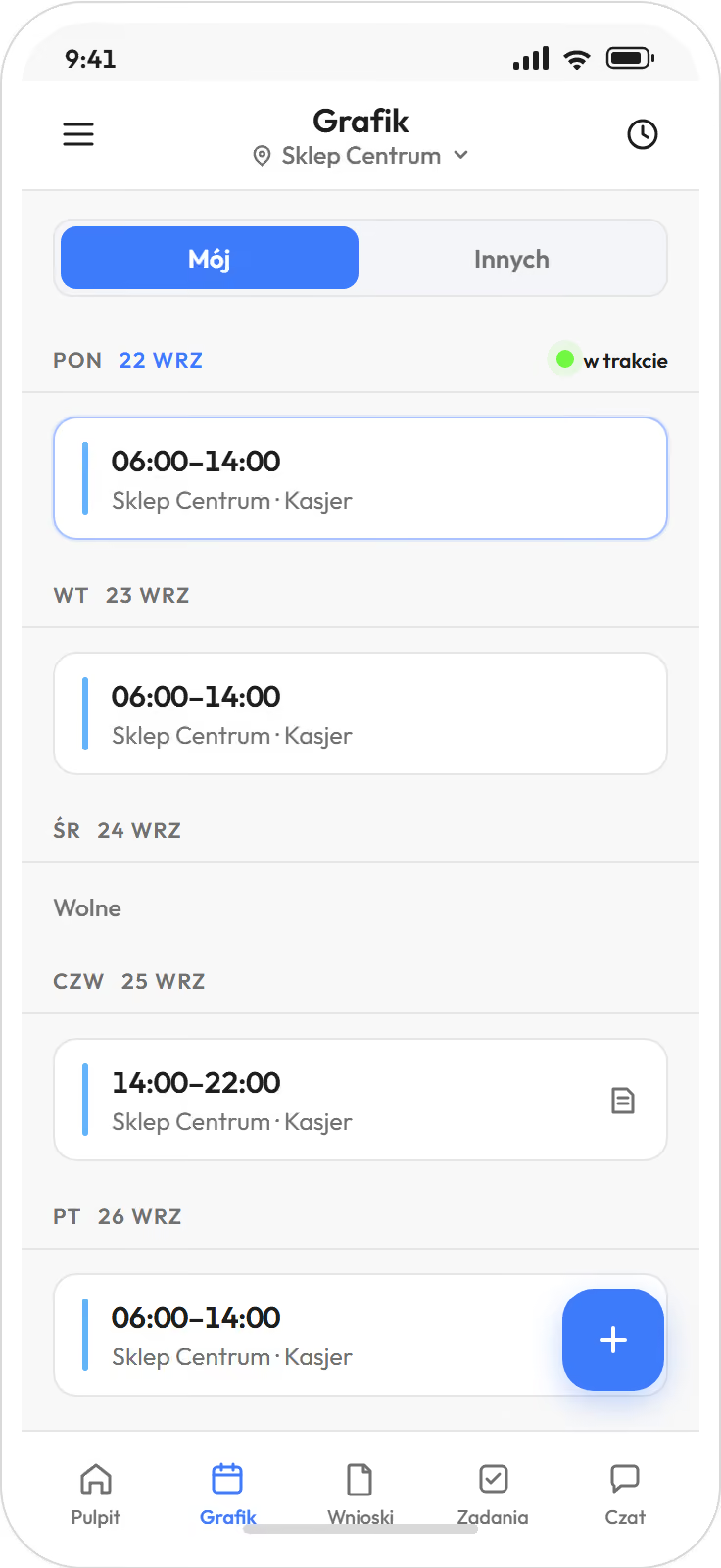
Next week's schedule is built on the phone and reaches the team with one button. from Startautomatic from Premium
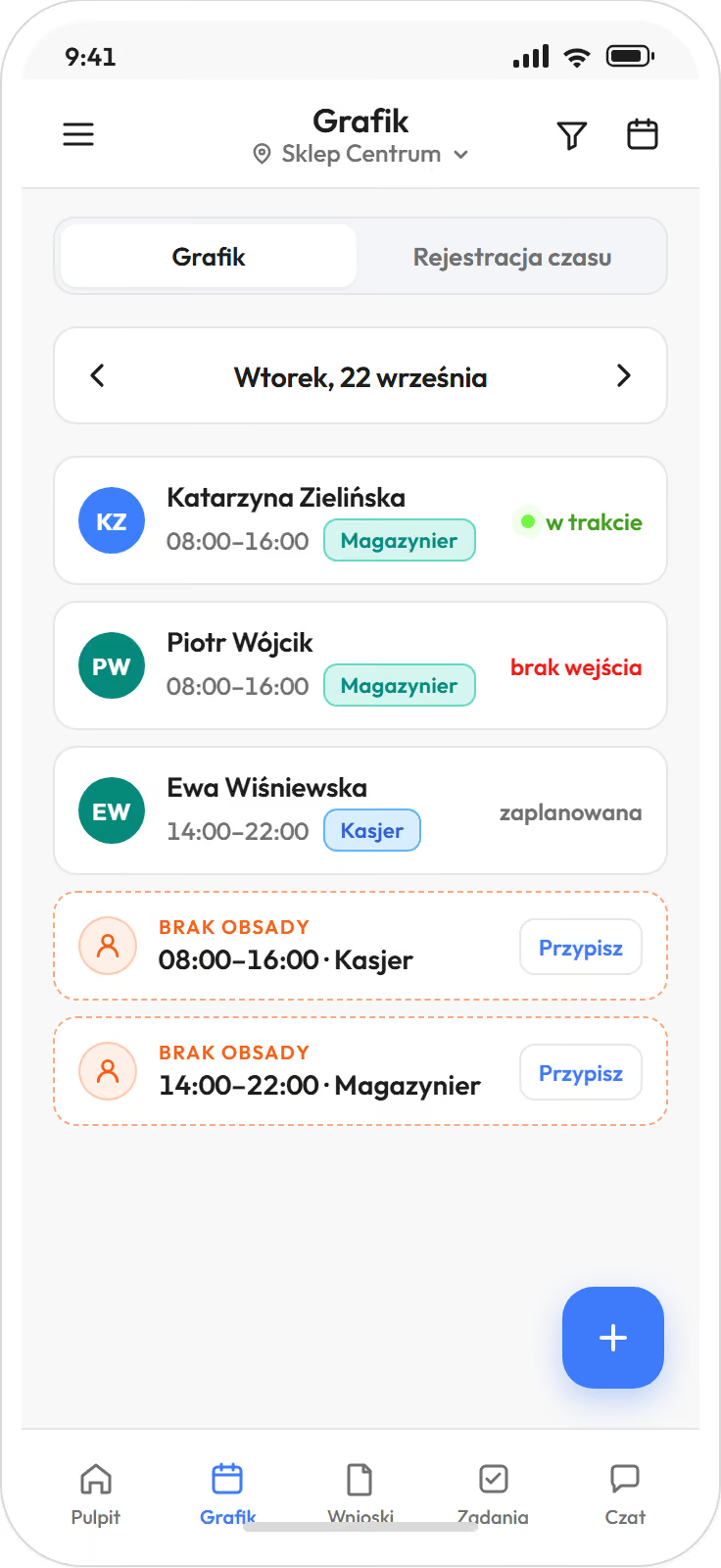
- You build and edit the schedule in the app, publish it with one button, and the team gets a notification. If you prefer a computer, the same grid is in the browser.
- You save the layout of a week as a period template and load it into the next one.
- The software checks rest periods and hour limits before publishing. You choose whether a breach gives a warning or a block. With a block, only an administrator or HR can knowingly save a single shift, and the software records it.
- The software can also prepare a ready schedule from your saved staffing rules. A person edits and approves it. automatic from Premium
Automatic scheduling is an option. from Premium
You save once how many people a shift needs and who can work when. The software builds the week from this within contracts, FTEs and the Labour Code. Then you edit and publish, and the team gets a notification. In one venue this is an option, not a requirement. A schedule from a weekly template is already in the Start plan.