
Log in to Proplanum.
Company panel, team app and a kiosk at the location.
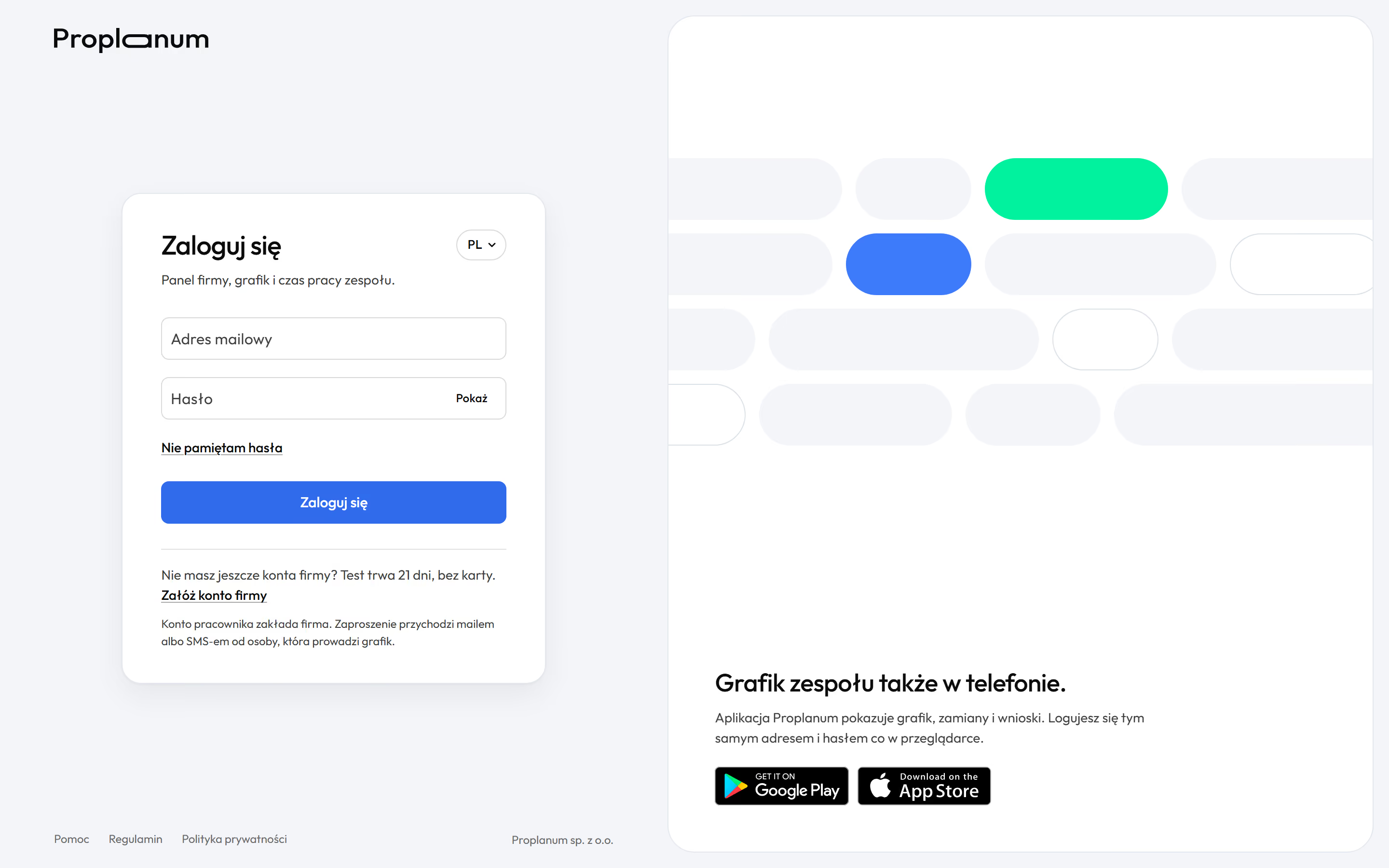
Log inYou log in to the app at app.proplanum.com. If your company set up your account, the person who runs the schedule gives you your login details.
No account yet? Sign-up for a 21-day trial takes a few minutes, with no card. After a short call we activate your account.
Looking for the company website? The Proplanum home page is here.
Help, the phone app and the kiosk at your location.
Help centre.
Step-by-step guides in English and answers about logging in, the schedule, requests and time tracking.
Proplanum app.
Schedule, availability, requests and swaps, plus clock-ins and clock-outs on your phone. You log in with the same account as in the panel.

Proplanum KIOSK.
A separate app for time tracking on a tablet at your location. Employees clock in with a PIN, a QR code or a card.
Your company's administrator sets up accounts, access and permissions. If you need help, use the chat in the app or the help centre.